
img2videogame blog
Pictures in, games out
How a picture and a few words become a game you can play and share: honest comparisons, real sessions with the screenshots, and step-by-step guides.
Also in: Español · Deutsch · Français · Português · Italiano · Nederlands · Svenska · Norsk · Bahasa Indonesia · Türkçe · Polski · Tiếng Việt · Русский · 日本語 · 한국어 · 繁體中文
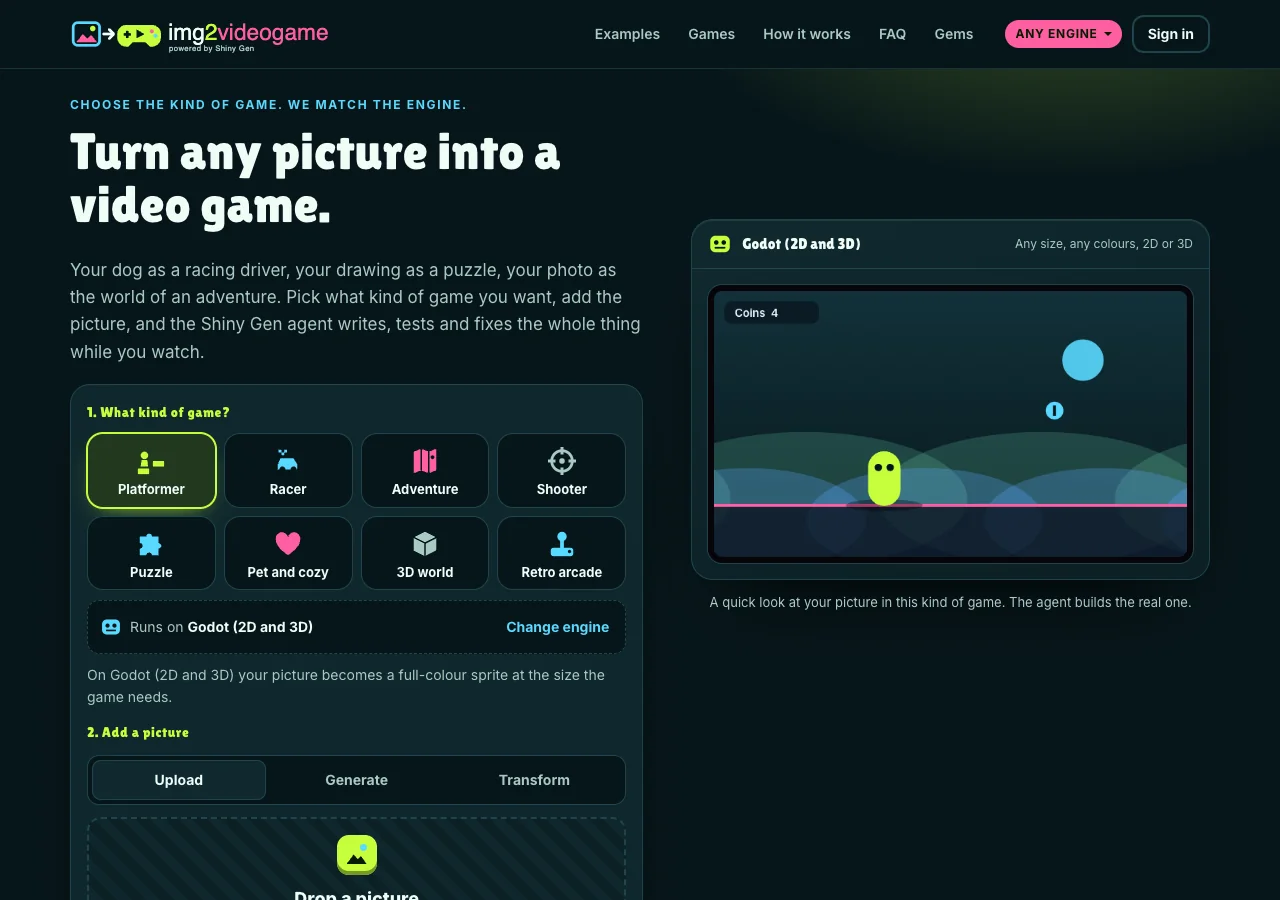 How it worksHow to turn a picture into a video game with AI (free to start)On img2videogame.com you pick a kind of game, add a picture (upload it, generate it or restyle it), say who it is, and describe the game. An AI agent builds it around your picture in the browser, tests it and hands you a game to play and share. Every step, with real screenshots. · 6 min read
 ComparisonGoogle Project Genie vs img2videogame: a world to explore, or a game to keepProject Genie turns a picture or a prompt into an interactive world you explore for 60 seconds. img2videogame turns a picture into a real game with rules, a goal and a share link. Both are worth trying; here is which one fits what you want. · 7 min read
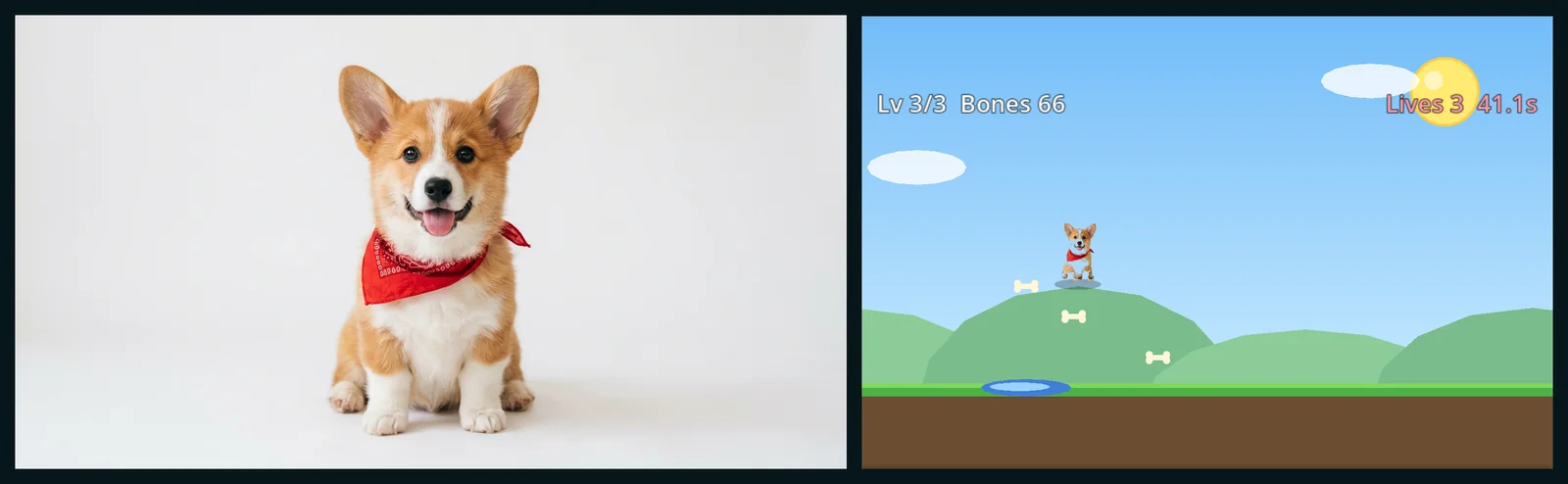
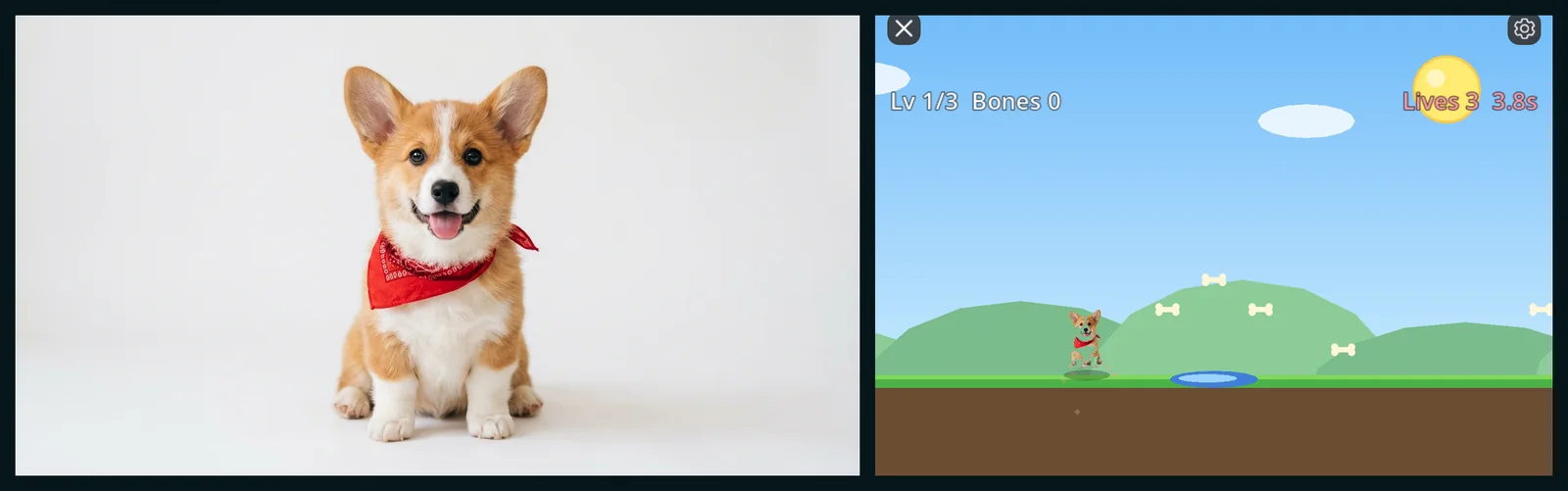 Picture in, game outTurn your pet into a video game: a corgi photo becomes Corgi Park DashOne photo of a corgi and one sentence on img2videogame became a three-level platformer with bones, puddles, fences and a squirrel boss, with the dog itself as the hero. The photo, the prompt, real screenshots and everything the AI did. · 5 min read
Have a picture? Make your own game from it.
Make it a game