How it works
How to turn a picture into a video game with AI (free to start)
To turn a picture into a video game, open img2videogame.com, pick the kind of game you want (platformer, racer, adventure, shooter, puzzle, pet and cozy, 3D world or retro arcade), add your picture, choose who or what it is in the game, and describe the game in a sentence. Press Make it a game, sign up for free on the page, and an AI agent builds the game around your picture while you watch, plays it to find bugs and fixes them. A first version usually takes two to six minutes, and you get a link anyone can play.
Also in: Español · Deutsch · Français · Português · Italiano · Nederlands · Svenska · Norsk · Bahasa Indonesia · Türkçe · Polski · Tiếng Việt · Русский · 日本語 · 한국어 · 繁體中文
On this page
- What you need
- Step 1: Pick a kind of game
- Step 2: Add a picture
- Step 3: Say who your picture is
- Step 4: Tell the agent about the game
- Step 5: Make it a game, then sign up on the page
- Step 6: Watch the agent build and test it
- Step 7: Play it, change it, share it
- What it costs
- How long it takes
- Tips for pictures that work
- FAQ
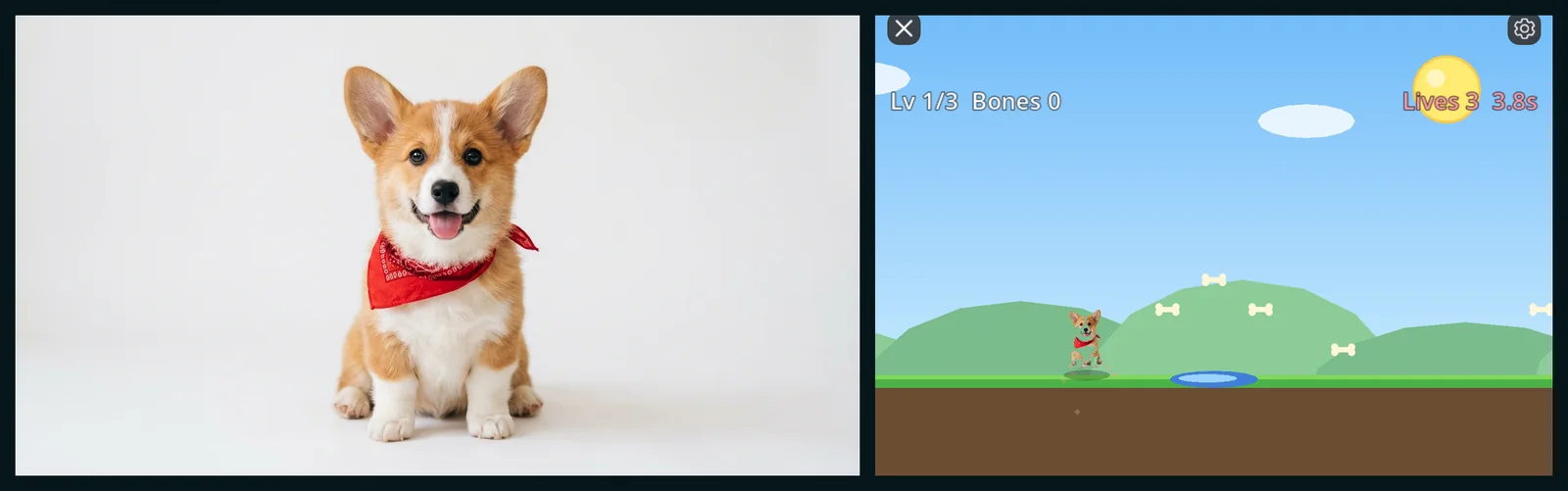
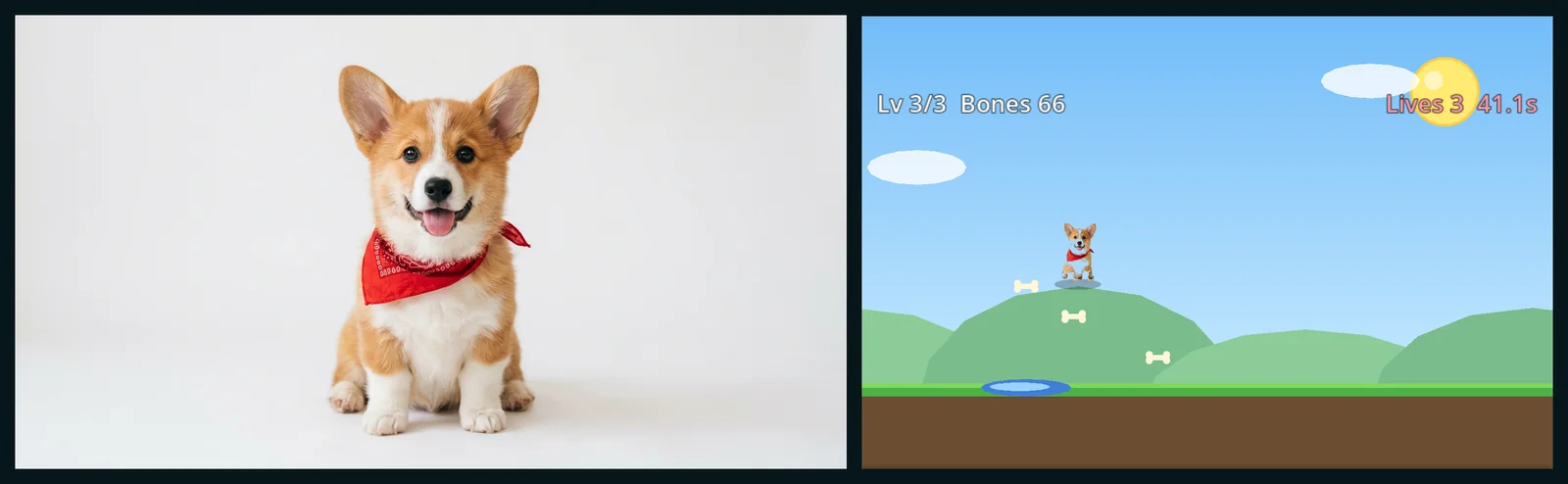
This guide goes step by step with screenshots from a real session, a corgi photo that became a three-level platformer, then covers costs and common questions.
What you need
- A browser on a phone, tablet or computer, or the Shiny Gen app.
- A picture with a clear subject: a pet, a person (with their permission), a toy, a drawing, a logo or a place. Or nothing, if you make one on the page.
- A free account, made on the page when you start.
Step 1: Pick a kind of game
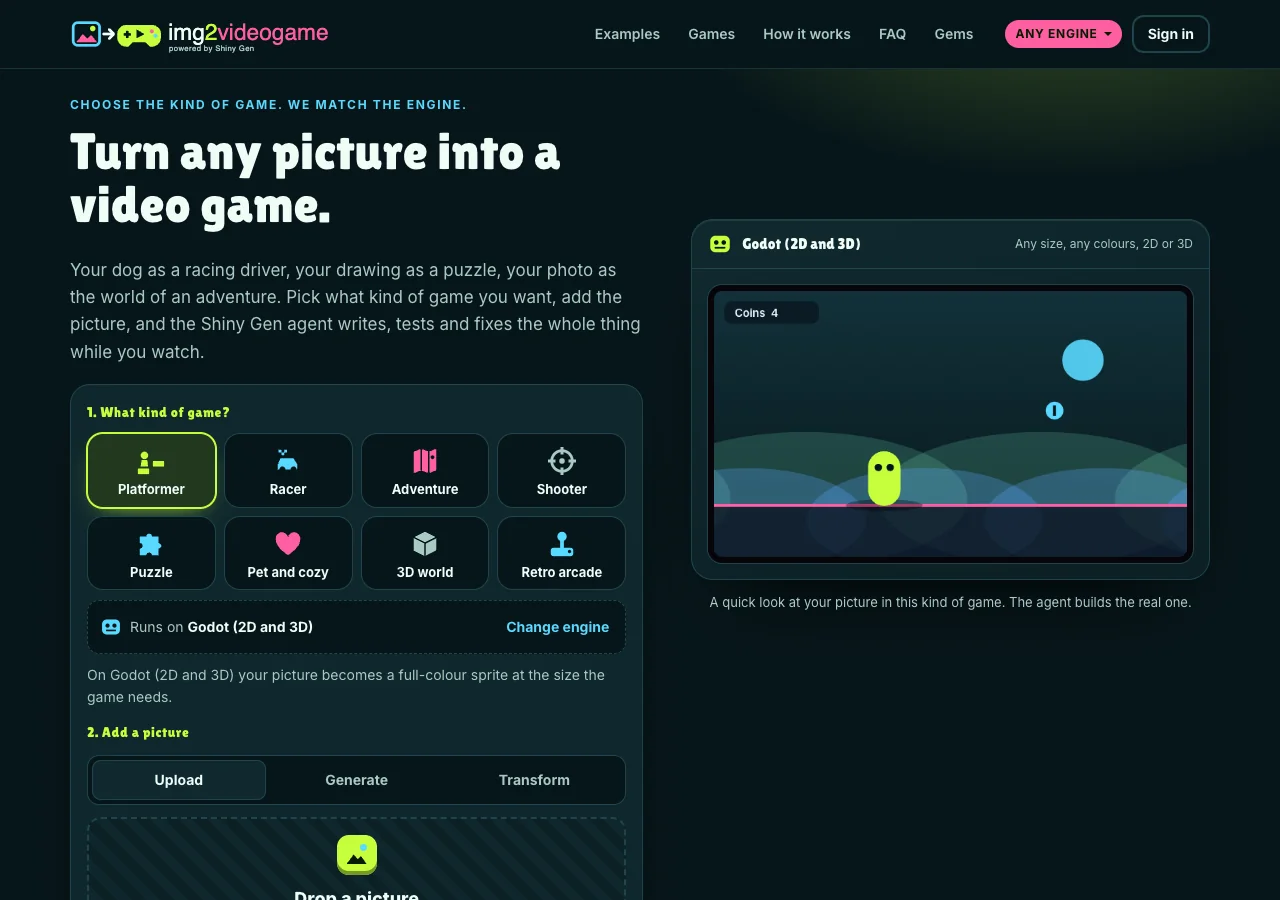
Tap one of the eight kinds. Each one starts on an engine that suits it, shown on the line under the tiles, and Change engine lets you switch.
| Kind | Starts on | What you get |
|---|---|---|
| Platformer | Godot (2D and 3D) | Levels, enemies, pickups, a timer or lives |
| Racer | Godot | A track, laps, rivals, boosts and a best time |
| Adventure | Godot | Rooms or a map, characters, items and a quest log |
| Shooter | Godot | Waves, weapons, upgrades and a score to beat |
| Puzzle | Godot | Rules, short levels that ramp up, stars or moves to beat |
| Pet and cozy | Godot | Needs to look after, days that pass, things to unlock |
| 3D world | GameCube | A 3D world, a camera that follows, lights and things to find |
| Retro arcade | Game Boy Advance | Pixel art, a chiptune beep, a high score |
If your picture looks like pixel art, the site moves a 2D kind onto a retro handheld to keep it crisp, and says so. You can always change it back.
Step 2: Add a picture
There are three ways in.
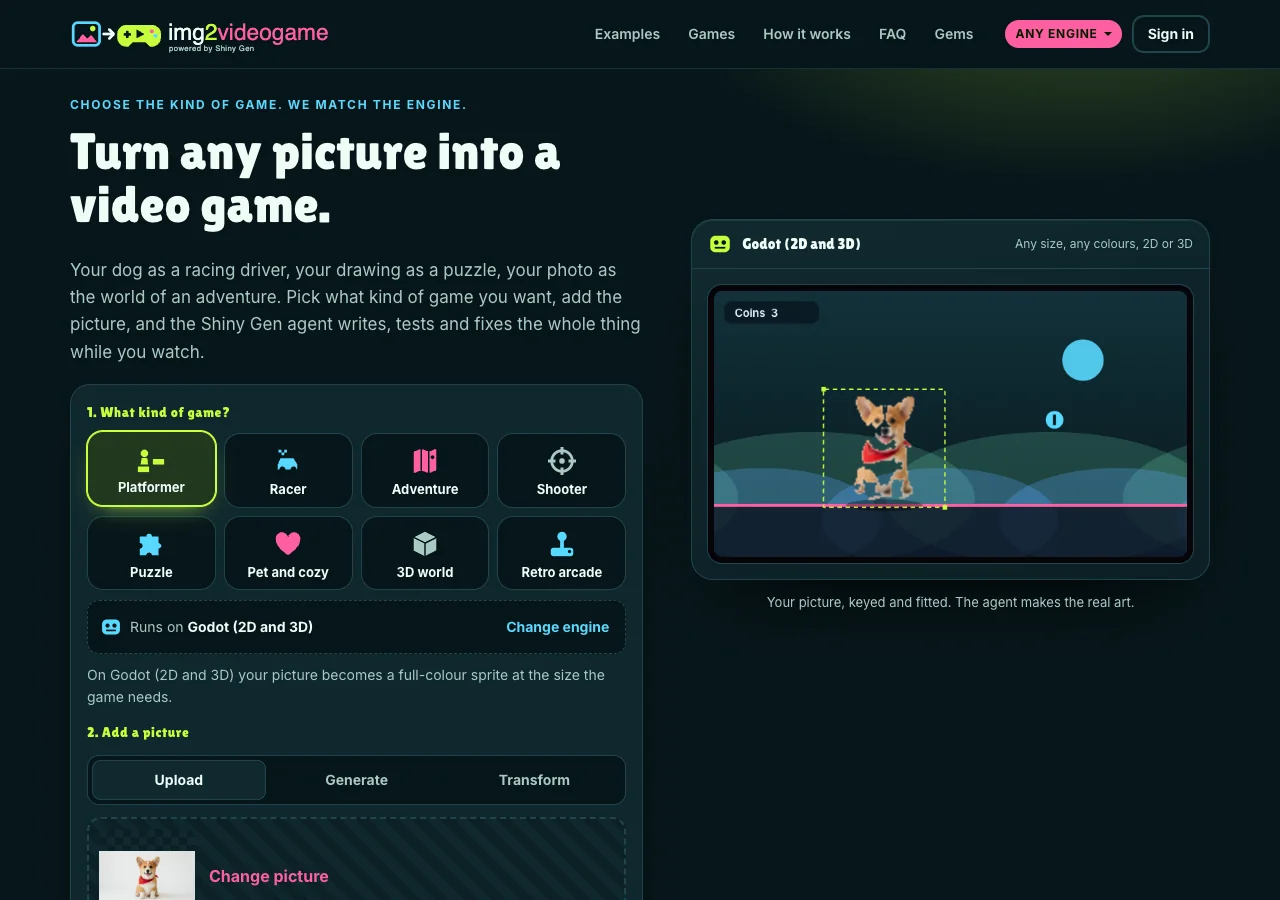
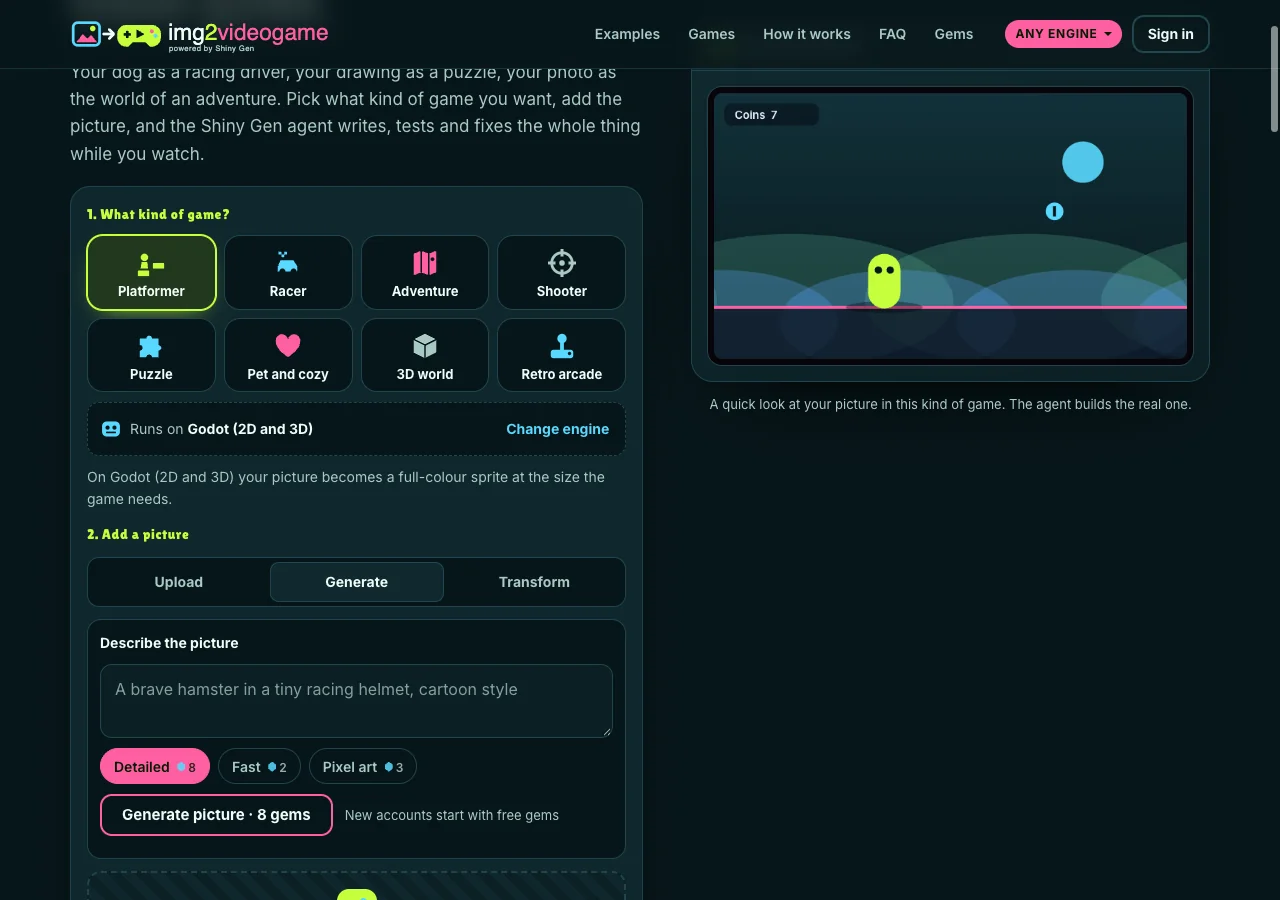
Upload a PNG, JPG or WebP. The preview on the right shows your picture cut out and placed in a quick scene of the kind you picked. It is only a look; the agent builds the real game.
Generate makes a picture from a sentence: Detailed (8 gems), Fast (2 gems) or Pixel art (3 gems). The price is on the button before you press it, and you are charged only when a picture comes back. For a character, ask for one subject, full body, on a plain background.
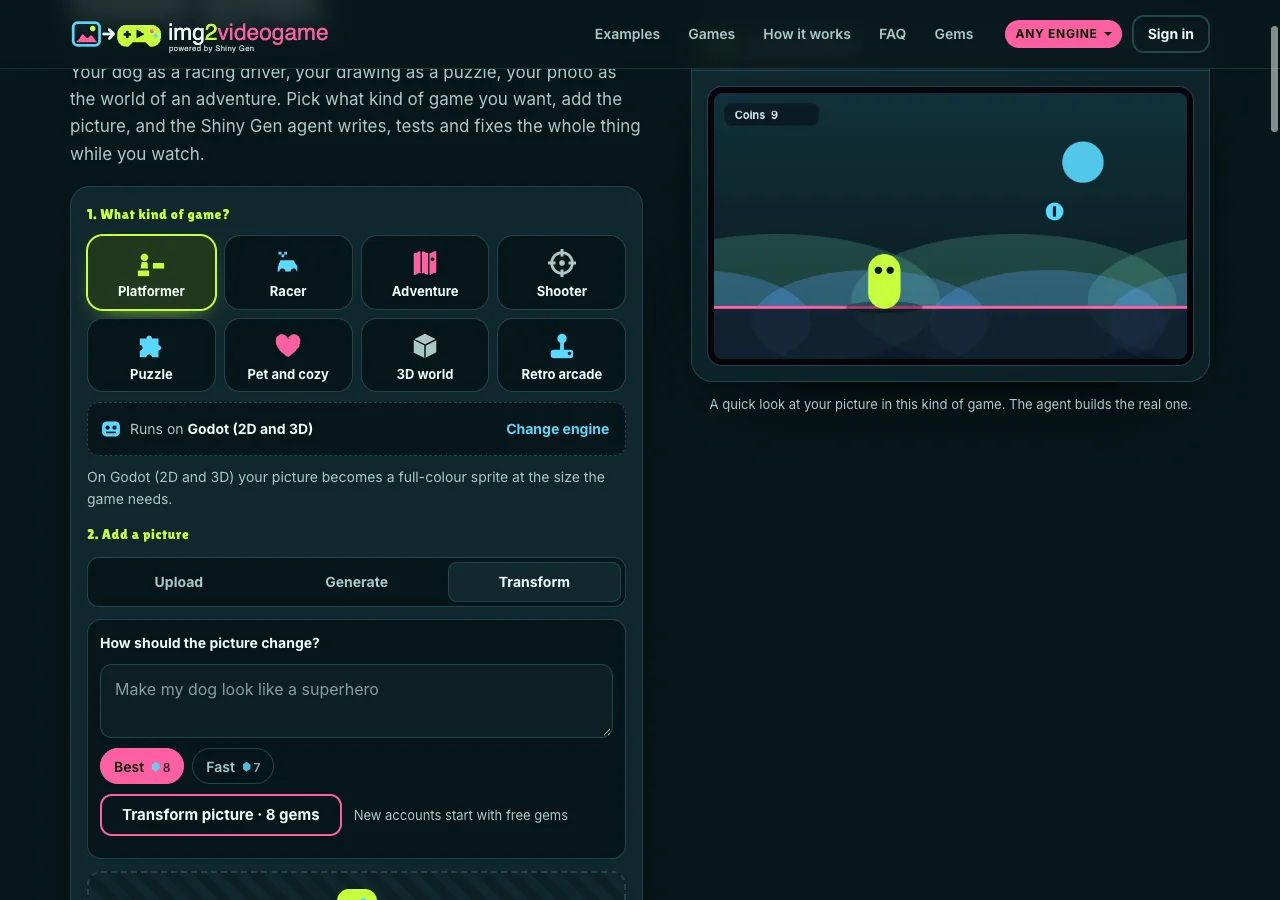
Transform restyles a picture you uploaded, such as "make my dog look like a superhero": Best (8 gems) or Fast (7 gems).
Step 3: Say who your picture is
Under "Your picture is", pick one:
- Who you play: the hero, imported as it is and animated in code.
- The bad guy: the main enemy.
- What you collect: a small pickup.
- Where it happens: the world of the game. Landscapes and rooms work well here.
Step 4: Tell the agent about the game
One or two sentences: what happens, the goal, and anything you want to see. The ideas under the box fill it in for you. Our corgi session used:
Step 5: Make it a game, then sign up on the page
Press Make it a game. If you are not signed in, a free sign-up opens right there: an email is enough, or use Google, Apple or X through your Shiny Gen account. Your picture and words wait while you do it.
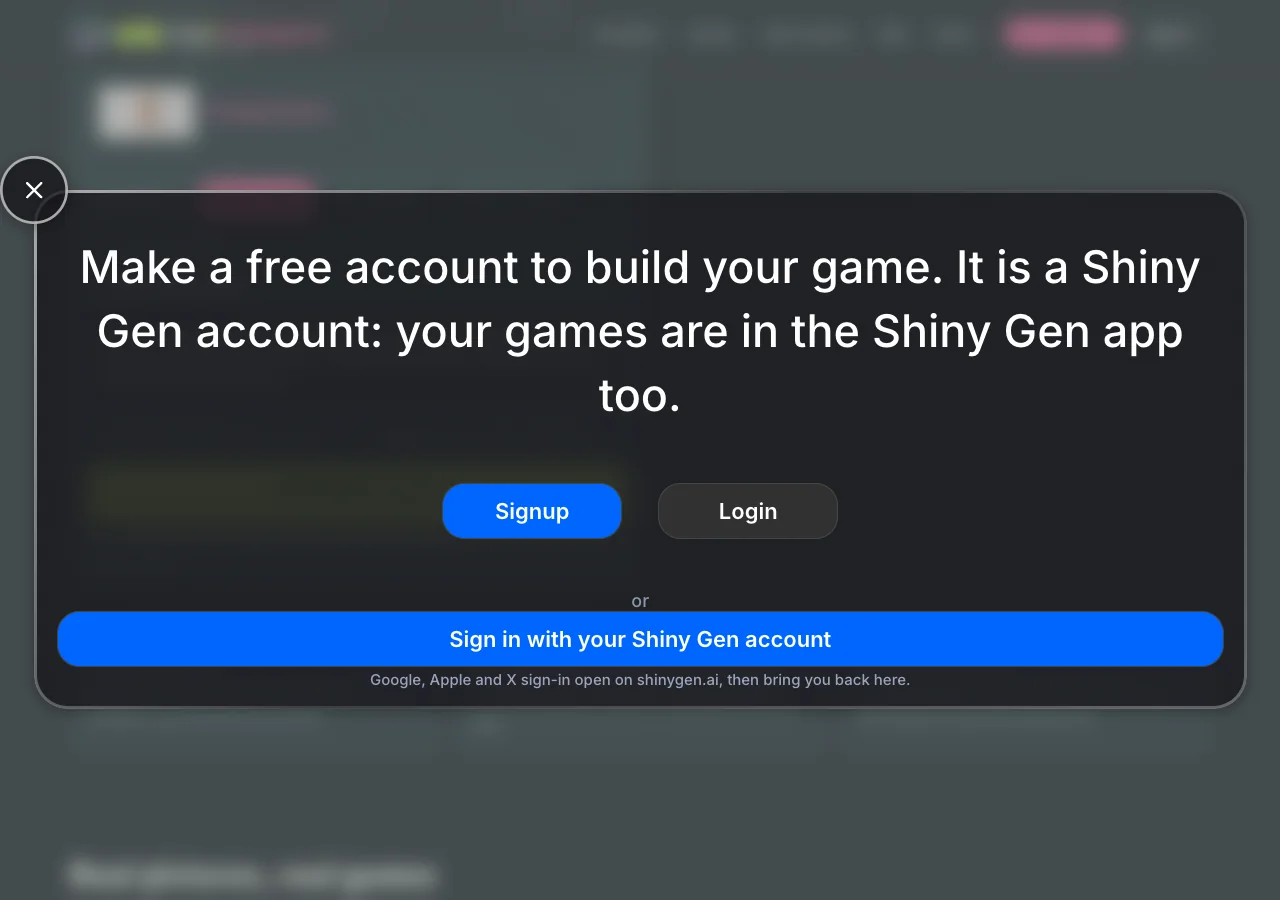
The studio opens on img2videogame.com with your picture and words already sent, and the agent starts within seconds.
Step 6: Watch the agent build and test it
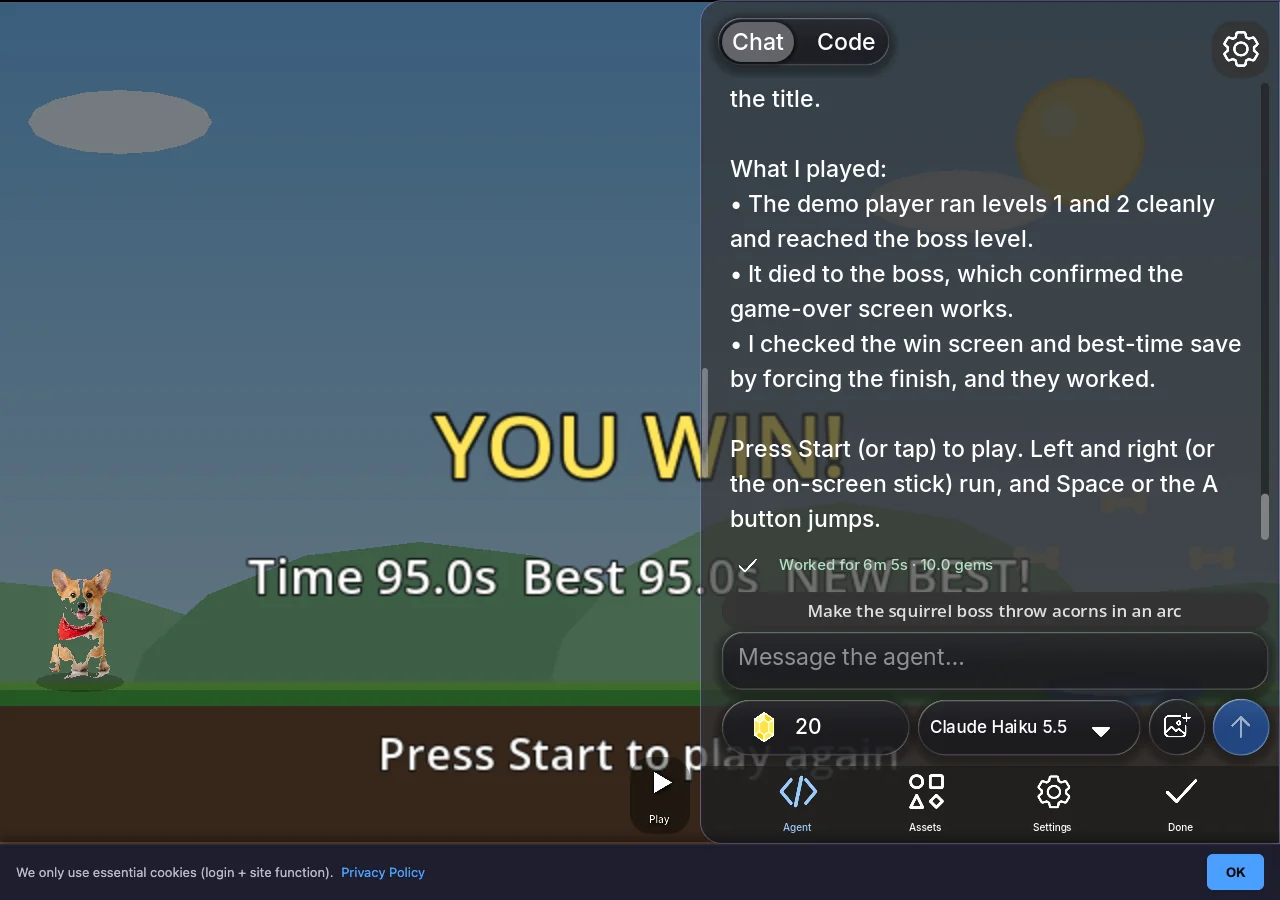
The agent imports your picture without redrawing it, writes the game's code, makes sound effects, and then plays the game. It runs a demo player, takes screenshots, reads errors and fixes them. In the corgi session it found that the player could run straight past the boss, added a wall, and fixed the boss's acorns so they actually hit.
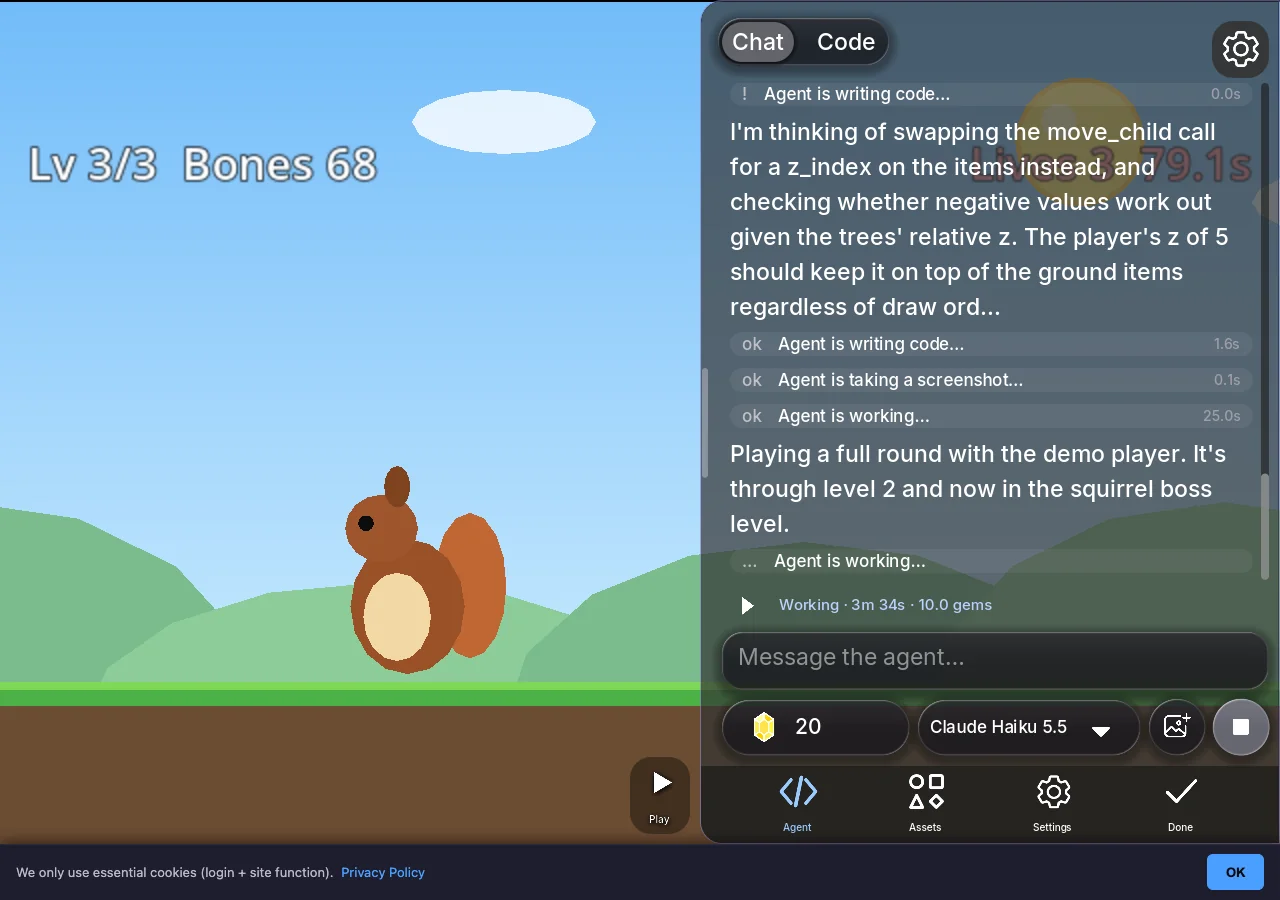
When it is done, it says what it built, what it played and what it could not check, and offers next steps as buttons.
Step 7: Play it, change it, share it
Press Play. To change anything, ask in plain words: "add a fourth level", "make the boss slower", "give my dog a bark". You can also open the art, the sounds and the code and change them yourself.
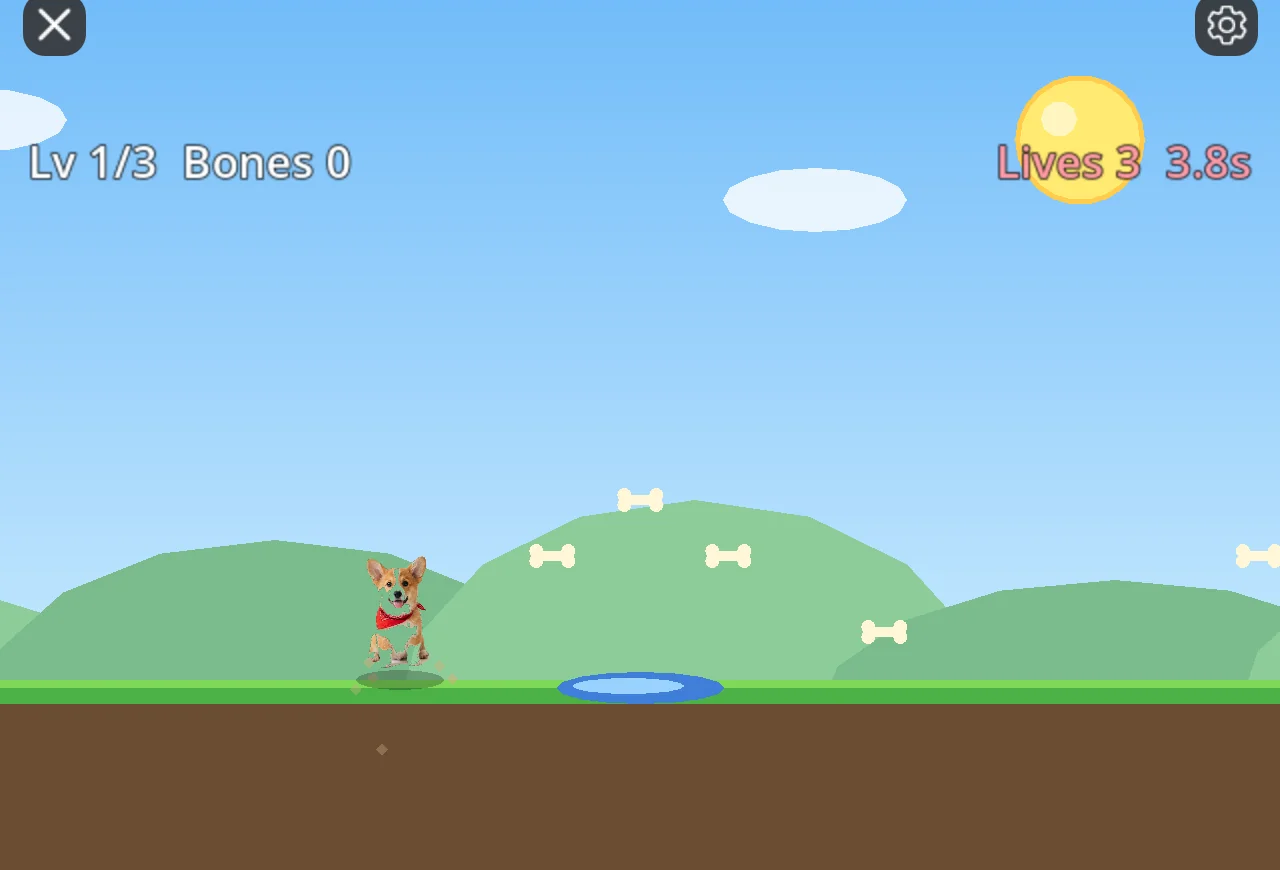
Every game gets a share link on img2videogame.com that opens in any browser, with nothing to install.
What it costs
Making, playing and sharing games is free. AI generation uses gems, and new accounts get free gems and free agent turns. A first game typically uses around ten gems: the corgi platformer used 10, and so did each of the four examples on the home page. Picture generation and Transform show their price before they run.
Gem packs start at $2.99 for 150 gems and never expire. On the console engines (Game Boy Color, Game Boy Advance, DS, N64, GameCube) the game can be exported as a real file for emulators (a ROM, or a .dol or .iso on GameCube), and on Godot as a web export zip you can upload anywhere; either export needs any one purchase. Prices are on the Gems page.
How long it takes
Usually two to six minutes for the first version. The four examples on our home page took between 2 minutes 38 seconds (a hamster house) and 6 minutes 51 seconds (a twelve-level match-three puzzle), and the corgi platformer about six minutes. Bigger requests take longer, and you can play as soon as the agent says it is ready.
Tips for pictures that work
- One clear subject, whole in the frame, with space around it.
- A plain background (a wall, a floor, a sheet of paper) so the cut-out is clean.
- For "Where it happens", a wide picture: a landscape, a room, a painting.
- Only pictures you are allowed to use. Ask before using another person's photo.
FAQ
Can I turn any picture into a video game?
Almost any picture with a clear subject works: a pet, a person, a toy, a sketch, a logo or a place. The subject becomes the hero, the bad guy or a pickup, and a scene becomes the world of the game.
Do I need to know anything about game engines or code?
No. You pick the kind of game and the site picks the engine. You describe the game in plain words and change it the same way. The code is there if you want to read it.
Will the game use my actual picture?
Yes. The site cuts out a plain background and tells the agent to use your picture as it is, not to draw something else. The agent animates it in code.
Can my friends play it?
Yes. Every game gets a share link that opens in any browser, on a phone or a computer.
Is it free?
Making, playing and sharing are free. New accounts get free gems and free agent turns, and a first game typically uses around ten gems. Gem packs start at $2.99.
Who makes img2videogame?
img2videogame is a Shiny Gen site. Your account is a Shiny Gen account, so your games, gems and free turns are the same on shinygen.ai and in the Shiny Gen apps.
Further reading
Last updated: November 17, 2026