Picture in, game out
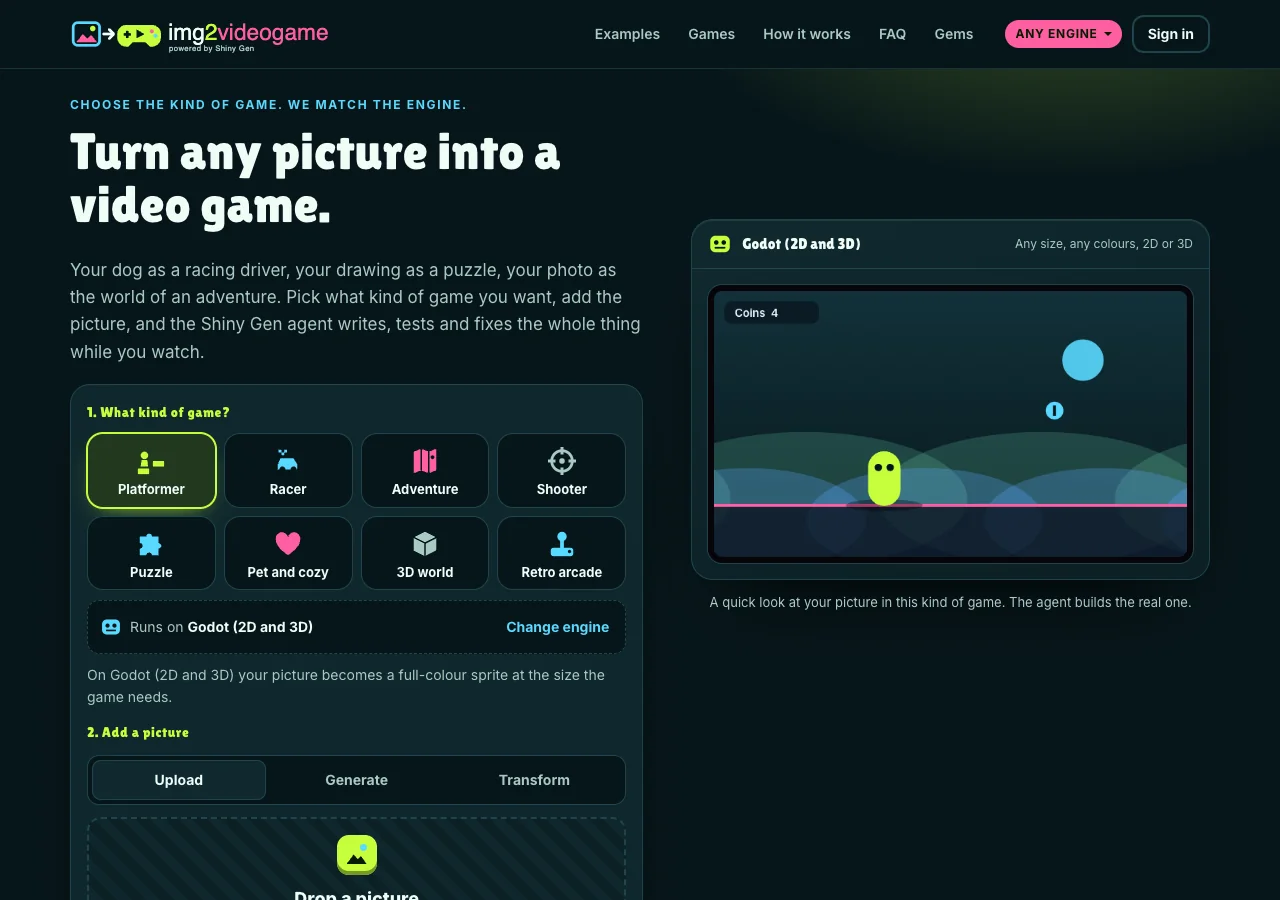
Turn your pet into a video game: a corgi photo becomes Corgi Park Dash
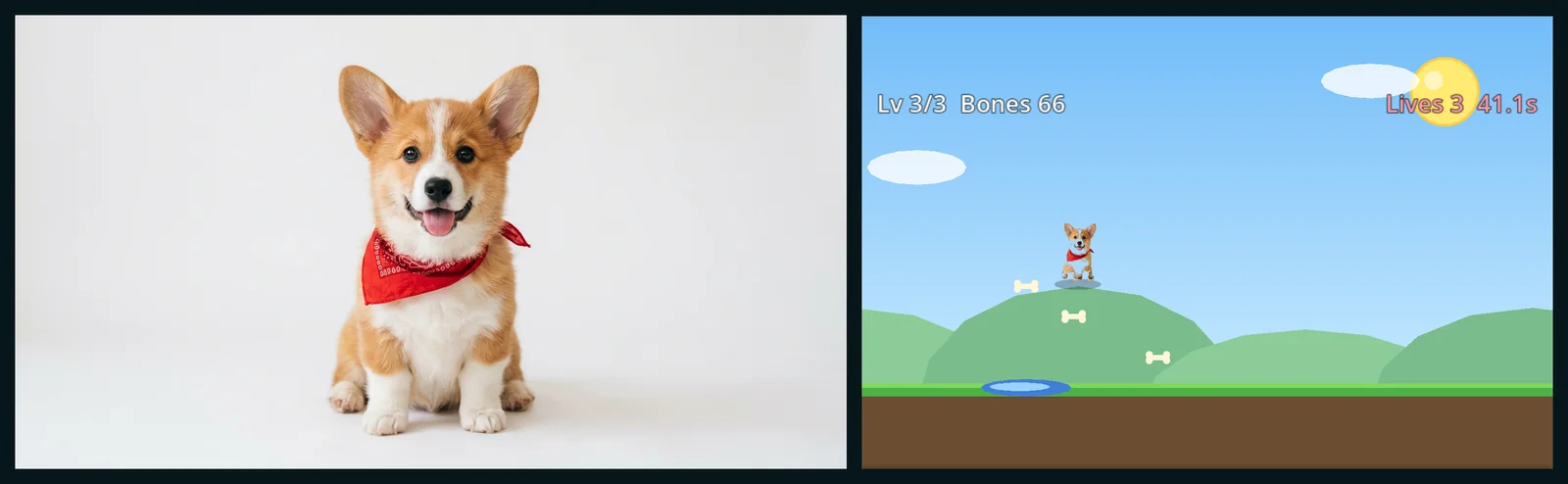
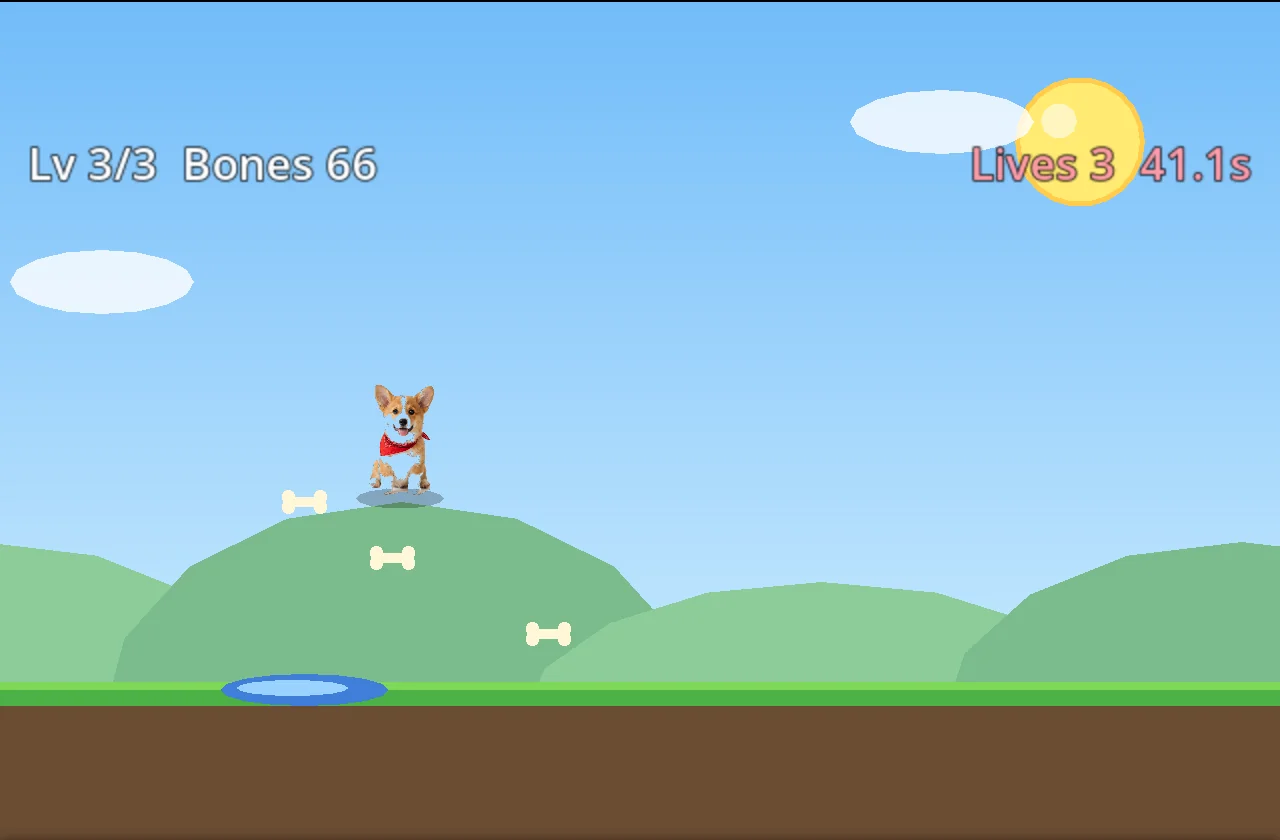
Your pet can be the star of a real video game. We gave img2videogame one photo of a corgi puppy in a red bandana, picked Platformer, and wrote one sentence. The AI agent built Corgi Park Dash: the dog from the photo runs and jumps through three park levels, over puddles and fences, collecting bones, to a squirrel boss that throws acorns. It took about six minutes and 10 gems, and it plays in any browser.
Also in: Español · Deutsch · Français · Português · Italiano · Nederlands · Svenska · Norsk · Bahasa Indonesia · Türkçe · Polski · Tiếng Việt · Русский · 日本語 · 한국어 · 繁體中文
On this page
Below is the full session, including the parts the agent told us it could not finish testing.
The photo
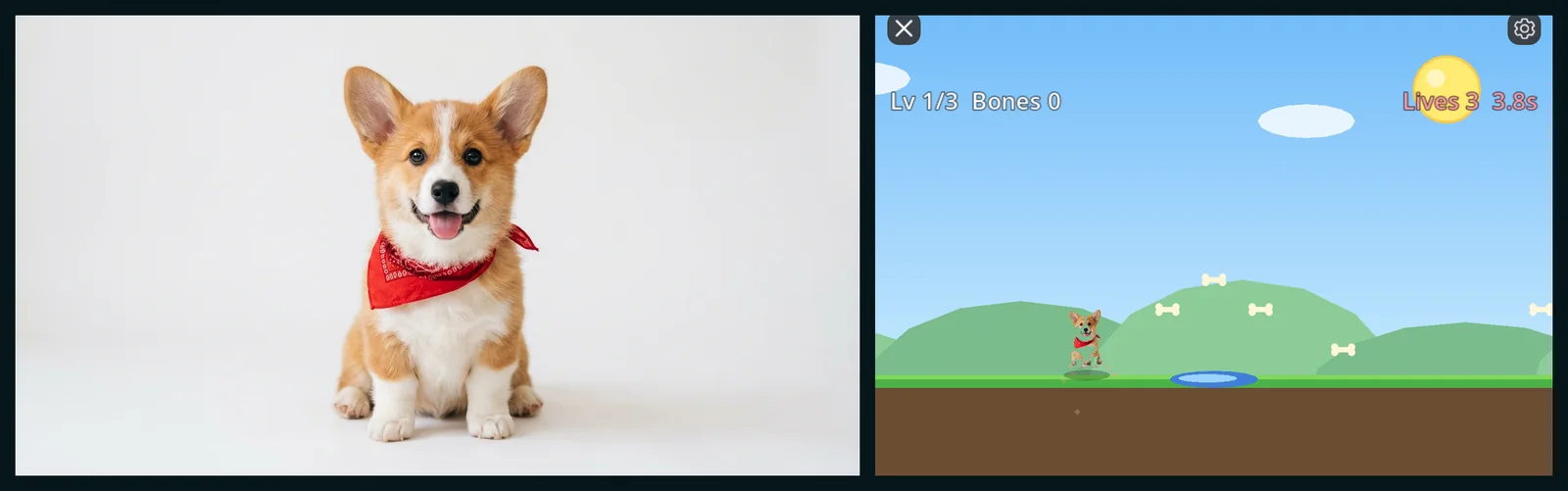
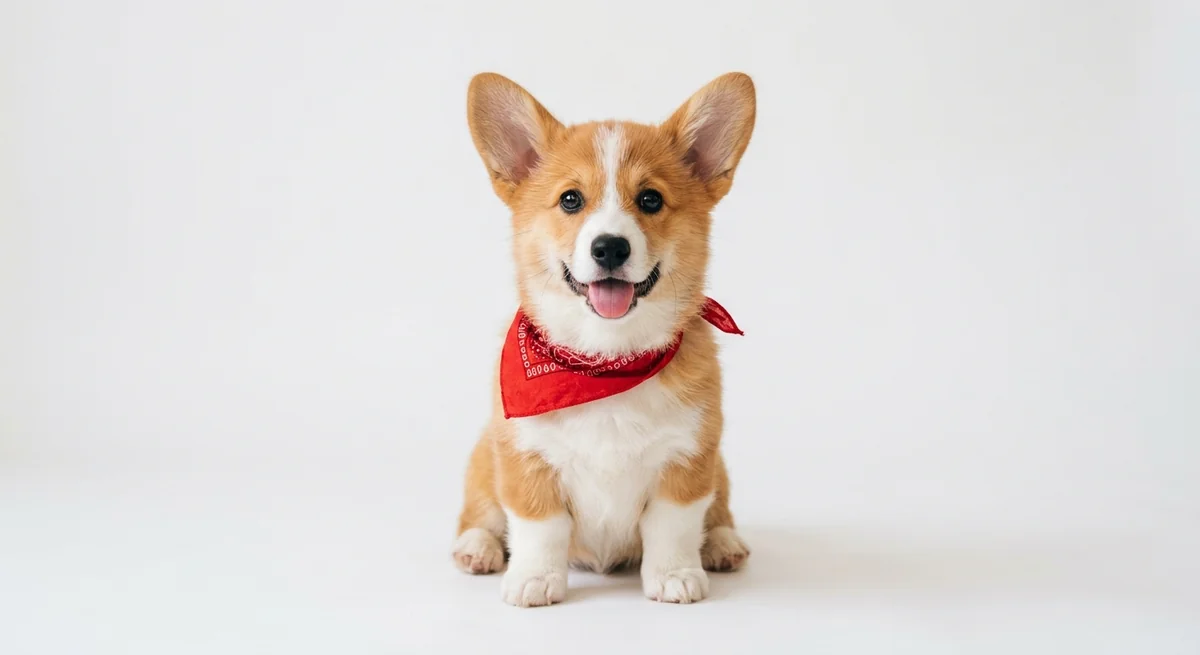
A corgi puppy sitting on a plain white background, looking at the camera, red bandana, tongue out. For this post we made the photo with the same image model as the start card's Detailed option, so we could publish it freely. Your own pet's photo works the same way, and a plain wall or floor behind them makes the cut-out cleanest.
The choices and the prompt
- What kind of game? Platformer. The engine line said it runs on Godot (2D and 3D), where the picture becomes a full-color sprite.
- Add a picture. We uploaded the photo. The preview showed the corgi cut out and standing in a small platformer scene.
- Your picture is: Who you play.
- Tell the agent about it:
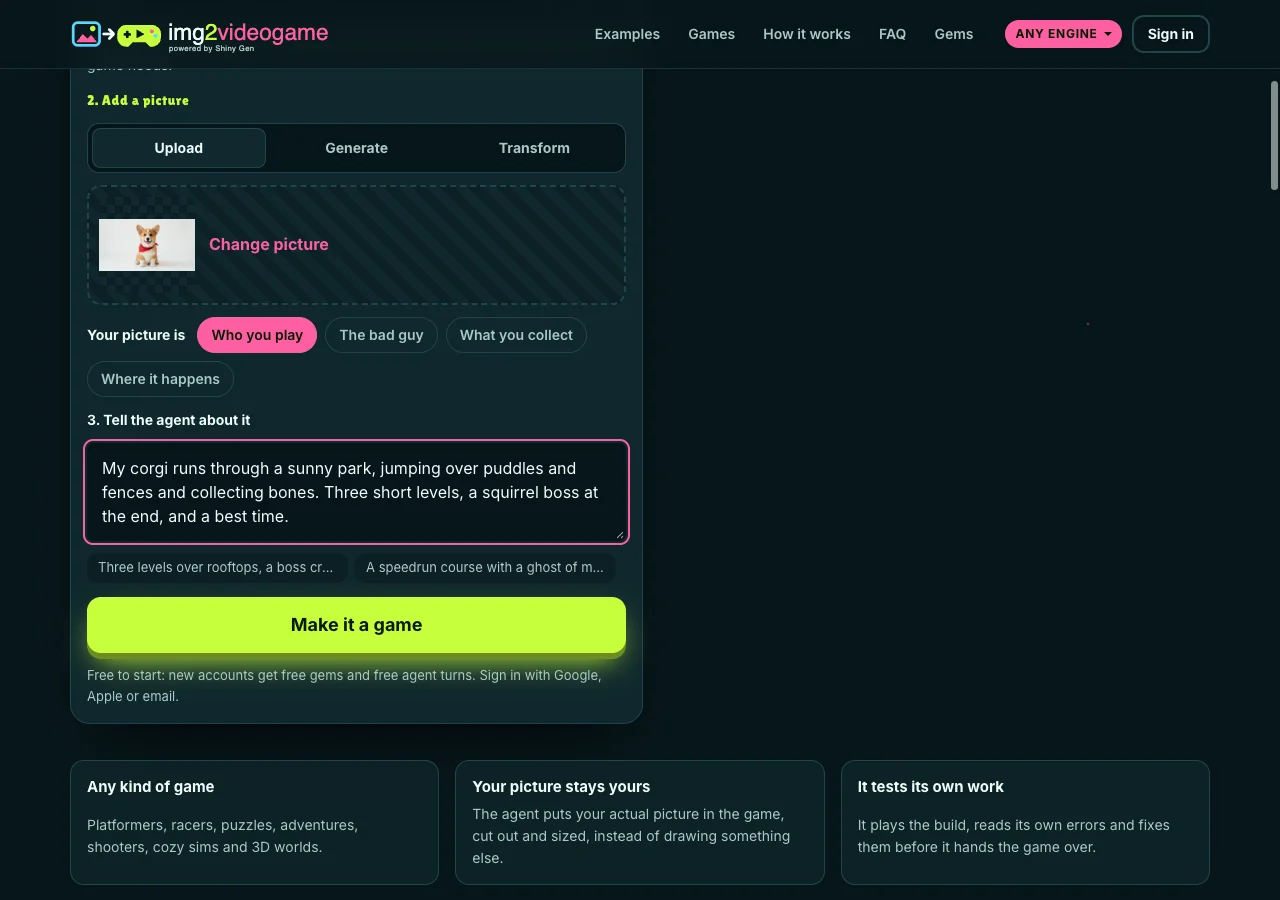
Then Make it a game, a free sign-up on the same page, and the studio opened with the agent at work.
What the AI did
The site adds two lines to your words: what a platformer needs (running, jumping, hazards and a goal at the end of each level), and how to treat your picture (the player, used as it is, not redrawn). The photo arrived already cut out, so nothing went on background removal.
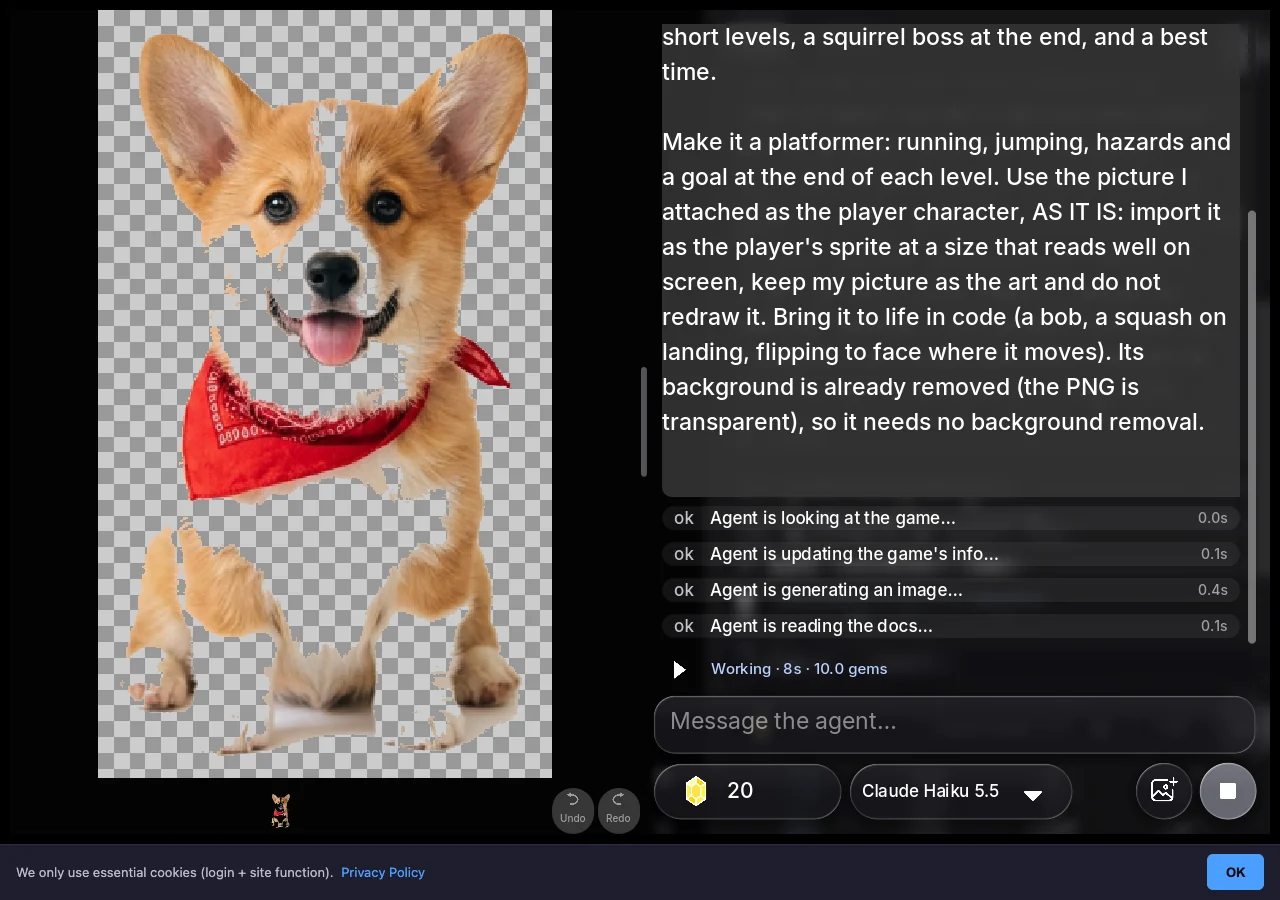
From the session's own log:
- Named the game Corgi Park Dash and imported the photo as the player's sprite, free, unchanged.
- Wrote the game in GDScript: three park levels, each longer than the last, puddles and fences as hazards, bones in arcs over each hazard, three lives, a timer and a title screen with an auto-play demo.
- Made five sound effects in code: bone, jump, hurt, win and lose.
- Played it with a demo player. The demo player ran levels 1 and 2 cleanly and reached the boss.
- Found and fixed two boss bugs. First, the player could run straight past the squirrel, so the stomp never landed; the agent added an arena wall. Then the squirrel's acorns were not reaching the player; it fixed that check, and the boss fight came alive: the squirrel paces, throws acorns, and turns to throw toward you if you get past.
- Checked the ending. It confirmed the game-over screen when the demo player lost to the boss, and checked the win screen and the best-time save by jumping straight to the finish.
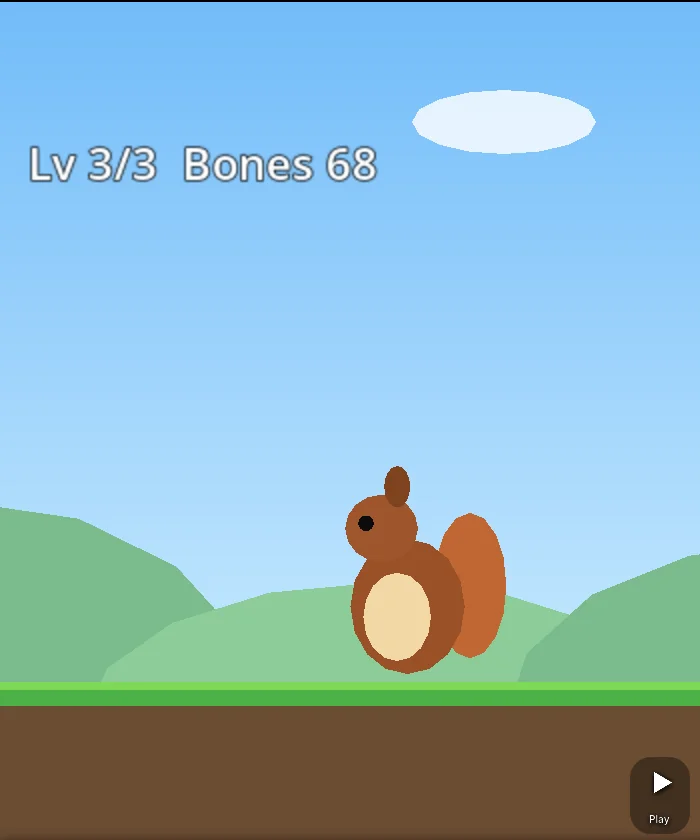
The session took 16 agent steps and about 6 minutes, and cost 10 gems, covered by the free gems a new account starts with.
What it told us it had not finished
The agent's closing message started with the one thing it could not do: "I couldn't get the automatic test player to beat the squirrel boss, so the real boss fight hasn't been won in testing." It also explained how to play (left and right or the on-screen stick to run, Space or the A button to jump) and offered next steps as buttons: "Make the squirrel boss throw acorns in an arc", "Add a bark button that stuns the squirrel", "Add moving ducks to jump over in level 2" and "Show a bone counter with a star rating at the end".
That is the honest state of a six-minute game: the levels work, the boss is a real fight, and beating it is up to you.
The game
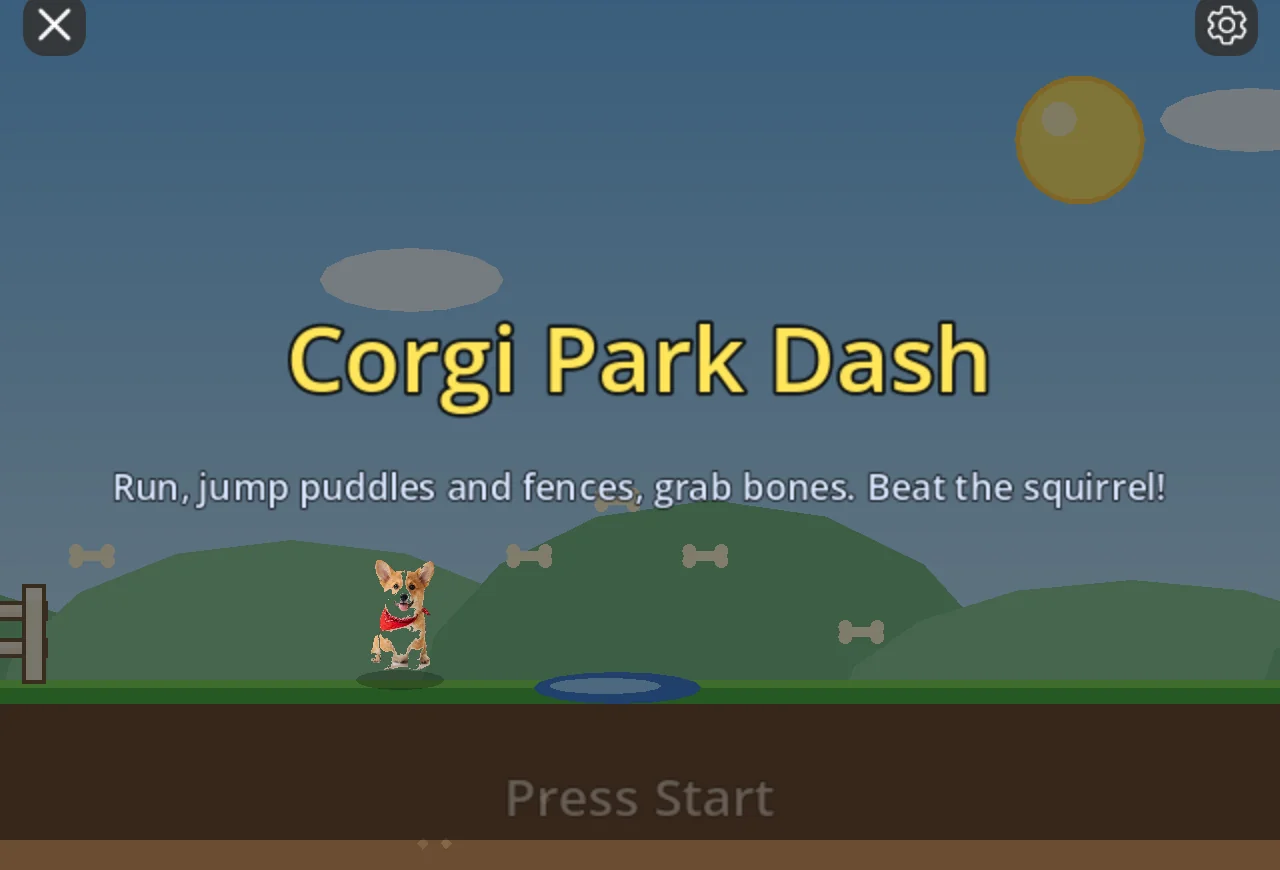
The corgi keeps its photo look in every frame: the agent made it bob as it runs, flip to face the way it moves, stretch on a jump, squash on landing and flash when it is hurt. When we played it ourselves, the puddles and fences on level 1 took all three of our lives in about ten seconds. It is a real platformer.
The code
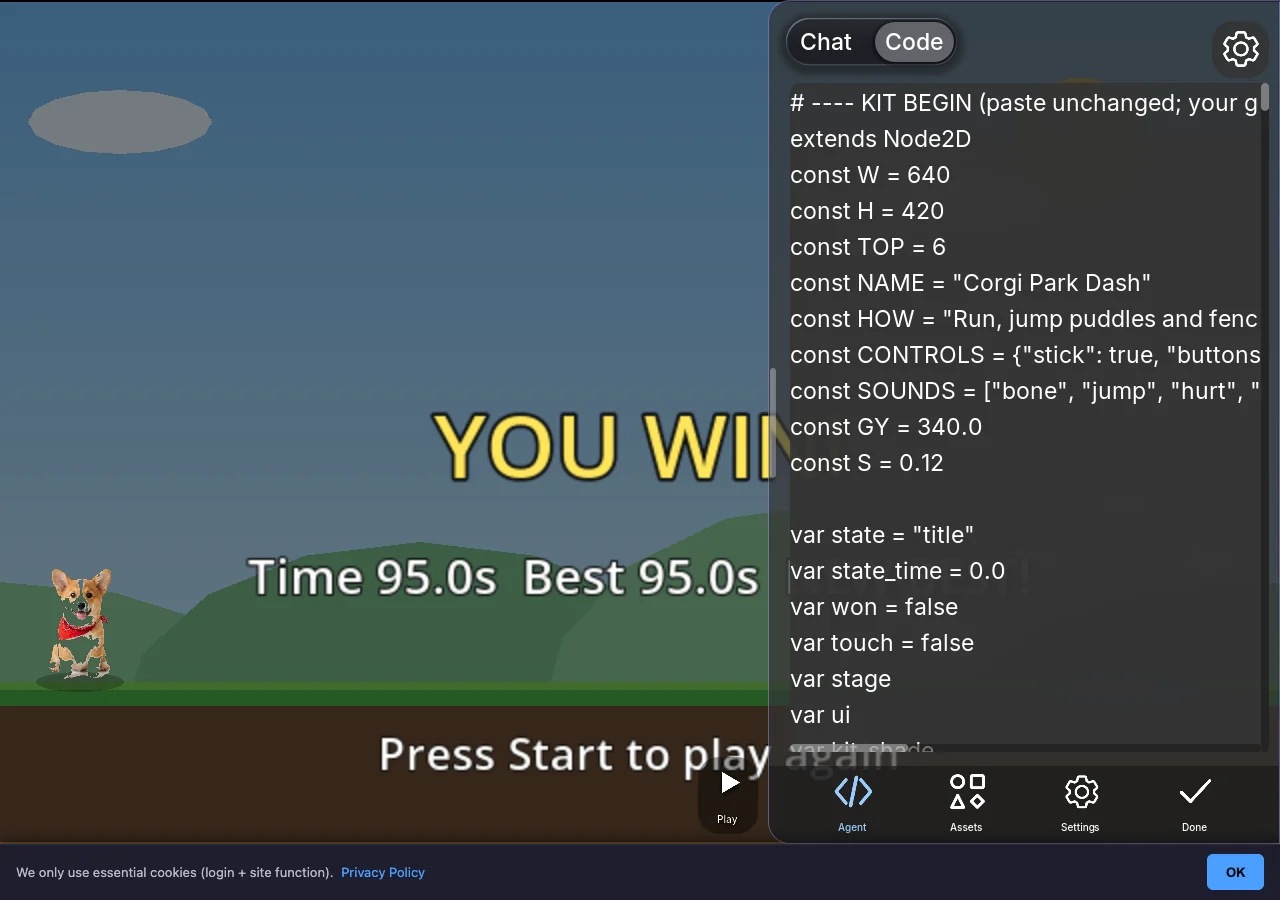
The whole game is GDScript on the Godot engine. Open the Code view beside the chat to read it: the game's name, its controls, its sounds, the gravity, the state of the run. Editing it yourself is free, and you can ask the agent to explain any part first.
Make one with your pet
- Take a photo of your pet against a plain wall or floor, the whole animal in the frame.
- Open img2videogame.com, choose a kind of game (a platformer, a racer, a pet and cozy game), and drop the photo in.
- Pick Who you play, describe the game, and press Make it a game.
- Play it, share the link with the family, and keep asking for more: a bark button, a new level, a bigger boss.
The full walkthrough is How to turn a picture into a video game.
FAQ
Can I turn a photo of my own dog or cat into a game?
Yes. Upload the photo, choose a kind of game, pick Who you play and describe it. The site cuts out a plain background and the agent uses the photo as the player sprite, unchanged.
Will it still look like my pet?
Yes. The agent is told to use your picture as it is and not to redraw it. It animates the photo in code (a bob, a flip, a squash and stretch), but the art is your pet.
How long did this take?
About six minutes of agent work over 16 steps, plus a few seconds from the button press to the agent starting. Simpler games are faster; this one had three levels and a boss.
What did it cost?
10 gems, which a new account's free gems covered. Making, playing and sharing are free; gem packs start at $2.99 and never expire.
Can I share the game with my family?
Yes. Every game gets a link on img2videogame.com that opens in any browser, on a phone or a computer, with nothing to install.
What other kinds of games can a pet photo make?
Any kind on the start card: a racer, an adventure, a shooter, a puzzle, a pet and cozy game, a 3D world or a retro arcade game. Pet and cozy is a natural fit: feed it, play with it, decorate its room.
Further reading
Last updated: November 17, 2026